APLUS features
AutoCAD commandline entry: ALPL
AutoCAD commandline entry: ARCL
AutoCAD commandline entry: BDEL
AutoCAD commandline entry: BLEGEND
AutoCAD commandline entry: BLL0
AutoCAD commandline entry: BMW
AutoCAD commandline entry: BREMOVE+BADD
AutoCAD commandline entry: CAP
AutoCAD commandline entry: COL
AutoCAD commandline entry: CON1
AutoCAD commandline entry: COR
AutoCAD commandline entry: DFL
AutoCAD commandline entry: DILINE
AutoCAD commandline entry: DINORM
AutoCAD commandline entry: DIS
AutoCAD commandline entry: DIU_DID
AutoCAD commandline entry: ESC
AutoCAD commandline entry: ESCPL
AutoCAD commandline entry: ESCPL2
AutoCAD commandline entry: HASSOC
AutoCAD commandline entry: HBET_HBETA
AutoCAD commandline entry: HBO
AutoCAD commandline entry: HD
AutoCAD commandline entry: HLEGEND
AutoCAD commandline entry: HLINE
AutoCAD commandline entry: HM
AutoCAD commandline entry: HOFF_HON
AutoCAD commandline entry: HRO
AutoCAD commandline entry: HTER
AutoCAD commandline entry: HTERM
AutoCAD commandline entry: HTERM2
AutoCAD commandline entry: HZIG
AutoCAD commandline entry: LAY
AutoCAD commandline entry: LAYC
AutoCAD commandline entry: MALEN
AutoCAD commandline entry: NR
AutoCAD commandline entry: PATTERN_01
AutoCAD commandline entry: PLAV
AutoCAD commandline entry: PLD
AutoCAD commandline entry: PLEV
AutoCAD commandline entry: PLI
AutoCAD commandline entry: PLJ
AutoCAD commandline entry: PLM
AutoCAD commandline entry: PLP
AutoCAD commandline entry: PLPS
AutoCAD commandline entry: PLRO
AutoCAD commandline entry: PLRO3
AutoCAD commandline entry: PLS
AutoCAD commandline entry: PLSC
AutoCAD commandline entry: PLT
AutoCAD commandline entry: PLT2
AutoCAD commandline entry: PLT3
AutoCAD commandline entry: PLU
AutoCAD commandline entry: PLWELD
AutoCAD commandline entry: RECL
AutoCAD commandline entry: REVISION
AutoCAD commandline entry: RM
AutoCAD commandline entry: RME
AutoCAD commandline entry: RME_2
AutoCAD commandline entry: RML
AutoCAD commandline entry: RMN
AutoCAD commandline entry: RMNA
AutoCAD commandline entry: RMS
AutoCAD commandline entry: RMSB
AutoCAD commandline entry: SQ
AutoCAD commandline entry: VPP
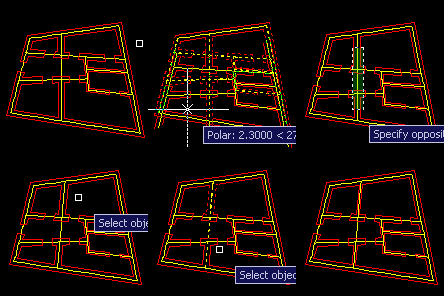
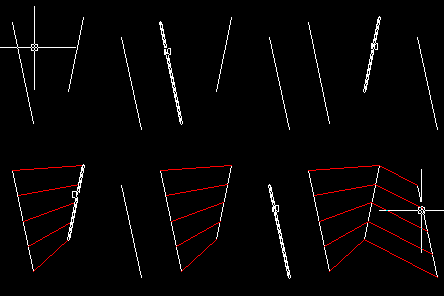
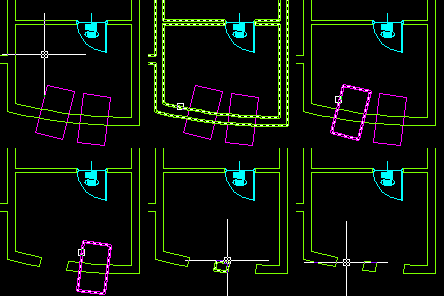
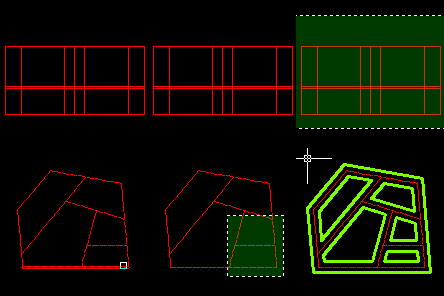
RECL command draws a rectangle (or quadrilateral) between two selected lines or polyline segments. It allows you to close custom shaped holes easily. AutoCAD commandline entry: RECL
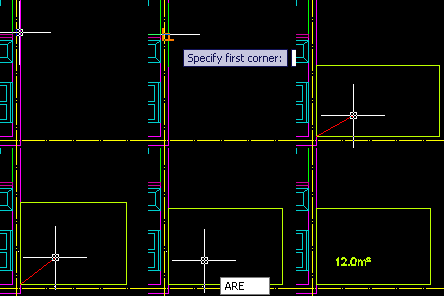
RECA command allows you to draw rectangle with specified area. APLUS will ask for start point and then give you live preview of the rectangle. AutoCAD commandline entry: RECA
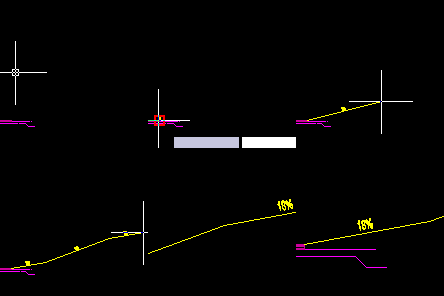
APLUS can help you design a ramp for underground parking. APLUS decides where to break ramp to make it usable. AutoCAD commandline entry: RAMP
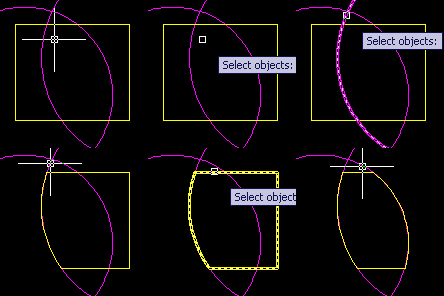
APLUS can draw part of polyline which lays inside another polyline. AutoCAD commandline entry: PLIN
With PLHO command you can draw ceiling hole symbol from selected polyline. APLUS will create new, closed polyline. AutoCAD commandline entry: PLHO
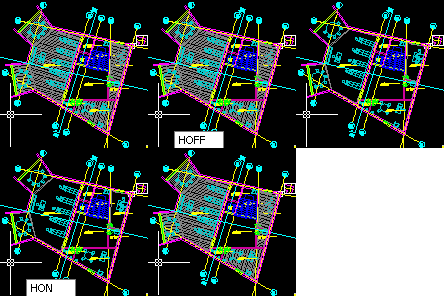
With HOFF and HON commands you may easily control visibility of hatches inside your drawings. This command turns off or on all hatches regardless of their layer. AutoCAD commandline entry: HOFF HON
APLUS can union selected hatches. APLUS will set style of first selected hatch to other selected hatches. AutoCAD commandline entry: HU
HBO command can draw boundary of selected hatch pattern. This may help you recover some lost information from a drawing. AutoCAD commandline entry: HBO
After setting some parameters you may easily design ducts both inside and outside buildings. AutoCAD commandline entry: DUCT
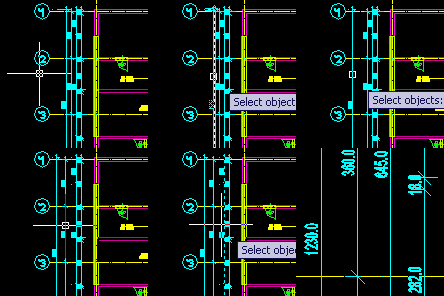
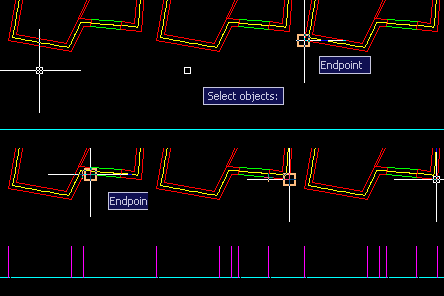
APLUS can detect dimension lines adjacent to one that was selected and then move them to a new position. AutoCAD commandline entry: DIS
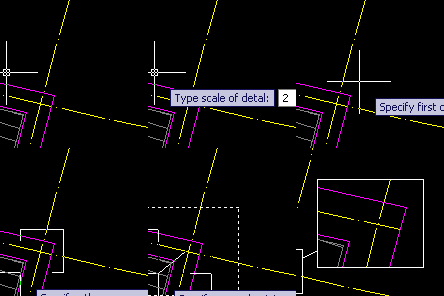
DETAIL2 command works similar to DETAIL command, but it uses rectangular window shape instead of circular in DETAIL. AutoCAD commandline entry: DETAIL2
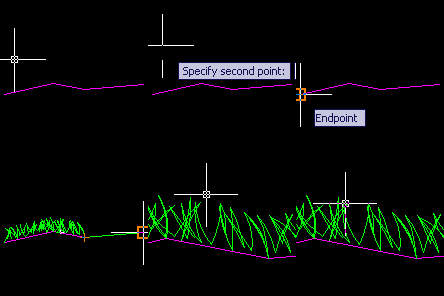
With APLUS you can now easily create grass. You only have to specify height and draw path for ground. New grass pattern generates polylines instead of lines. AutoCAD commandline entry: GRASS
PLM command allows you to move multiple polyline segments at once. PLRO rotates polyline segments and PLSC scales them. With these commands you may modify polylines freely. AutoCAD commandline entry: PLM PLRO PLSC
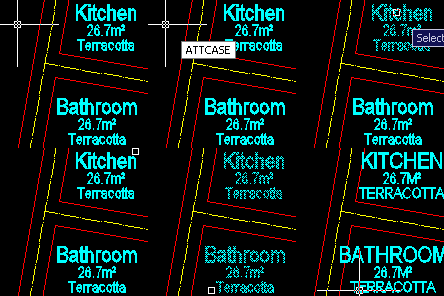
ATTCASE commmand can change case of selected attributes. This command can change case of attributes in selected instances of a block. AutoCAD commandline entry: ATTCASE
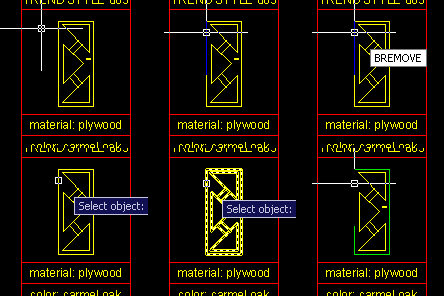
With BREMOVE command you may remove selected objects from block definition. Duplicate of removed objects will appear in the same place. Objects are removed from all instances of the block. AutoCAD commandline entry: BREMOVE
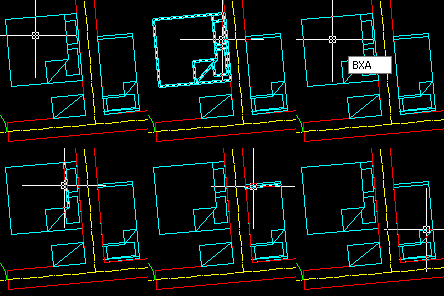
Command BXA will find and explode all blocks in your drawing. Additionally - block definitions will also be removed. AutoCAD commandline entry: BXA
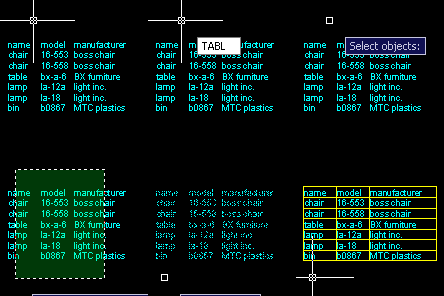
APLUS is able to draw table borders for selected TEXT or MTEXT objects. TABL command detects borders between selected text objects. Overlapping texts are ignored. AutoCAD commandline entry: TABL
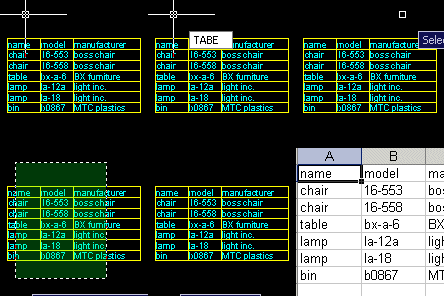
TABE command allows you to export selected TEXT or MTEXT objects to Microsoft Excel. APLUS will detect position of selected texts and copy them into new excel sheet. Overlapping texts will be ignored. AutoCAD commandline entry: TABE
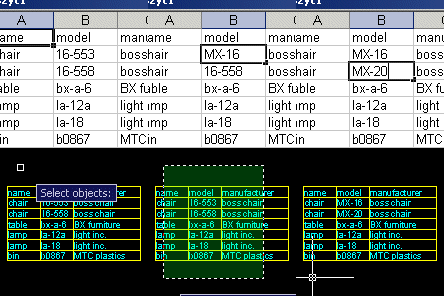
APLUS allows you to import contents of Microsoft Excel file. TABI command will replace contents of selected TEXT or MTEXT objects with contents from selected Excel file. AutoCAD commandline entry: TABI
ESL command erases lines shorter than specified distance. Command will erase those lines in specified area. AutoCAD commandline entry: ESL
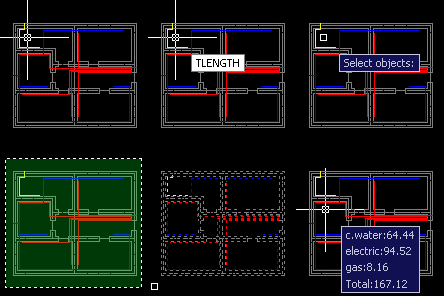
TLENGTH command measures and displays total length of selected objects. It can measure length of nearly all AutoCAD object types. AutoCAD commandline entry: TLENGTH
PROJECTPO command can draw projection on a specified line. It will draw a line of specified length perpendicular to the line. AutoCAD commandline entry: PROJECTPO
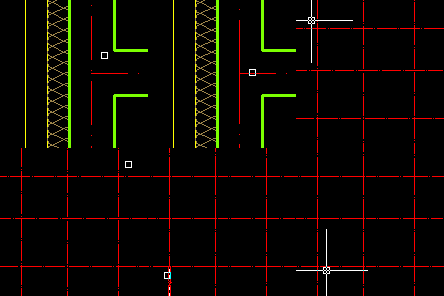
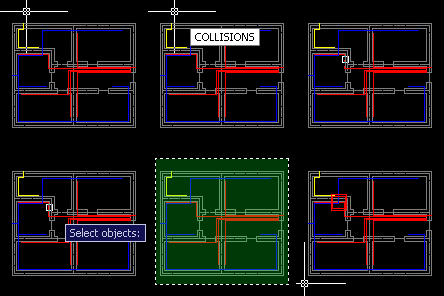
COLLISIONS command can detect and show collisions between objects on selected layers. Collisions will be shown as red squares on a screen. AutoCAD commandline entry: COLLISIONS
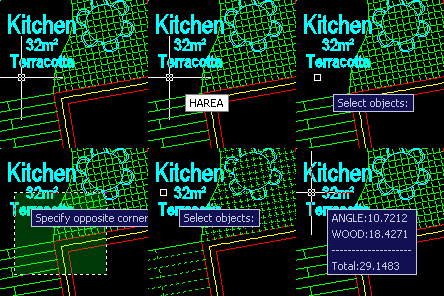
HAREA command can measure total area of selected hatches. AutoCAD commandline entry: HAREA
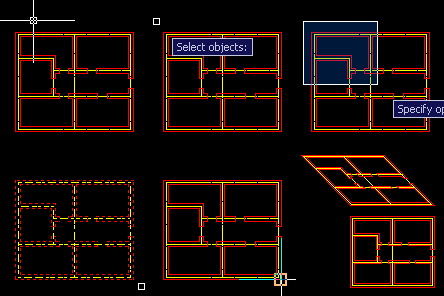
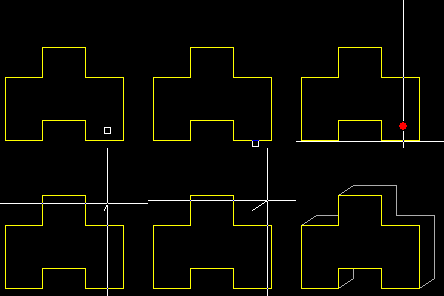
AXO command can draw simulation of axonometric projection of specified objects. AutoCAD commandline entry: AXO
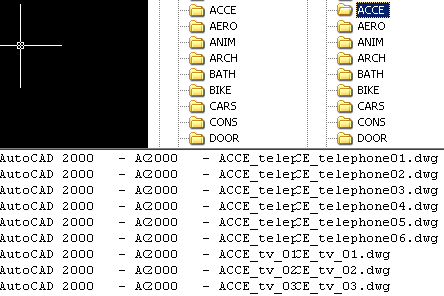
Use DWGVER command to check out version of DWG files in a specified directory. List of files will be displayed in command line. AutoCAD commandline entry: DWGVER
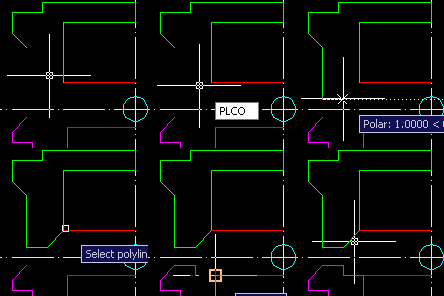
PLCO command draws continuation of selected polyline. Command will start drawing from the closest end to selection point. AutoCAD commandline entry: PLCO
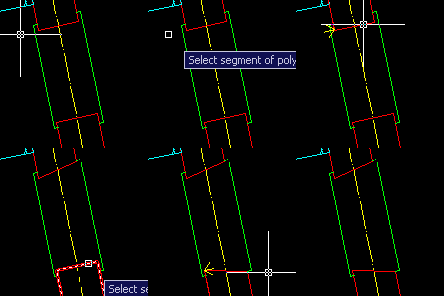
ROPL command can rotate selected polyline segment without affecting rotation angle of other segments. AutoCAD commandline entry: ROPL
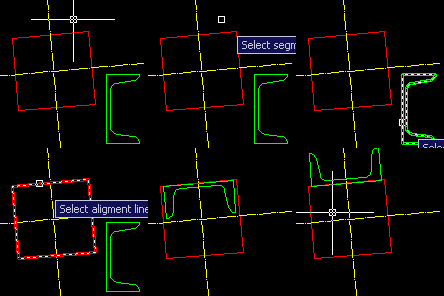
ALO command aligns selected polyline to a line. Command aligns polyline by using specified segment. You may also flip polyline if you need. AutoCAD commandline entry: ALO
With APLUS you may easily draw boundary of polyline with set width. Command PLBO allows you to transform sketches made with thick polylines into normal polylines. AutoCAD commandline entry: PLBO
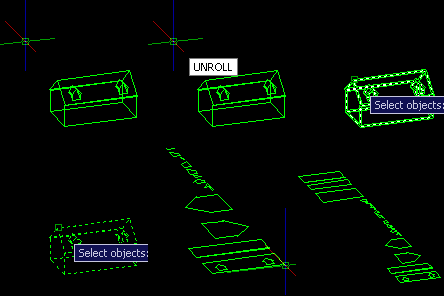
UNROLL command can unroll selected 3D object. APLUS will draw faces of the object in a current viewport. AutoCAD commandline entry: UNROLL
With SOLIDVOL command you may measure volume of selected 3D solids. Result will be displayed to AutoCAD command line. AutoCAD commandline entry: SOLIDVOL
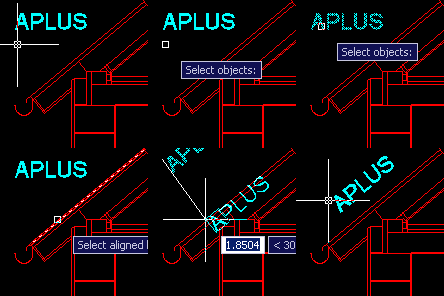
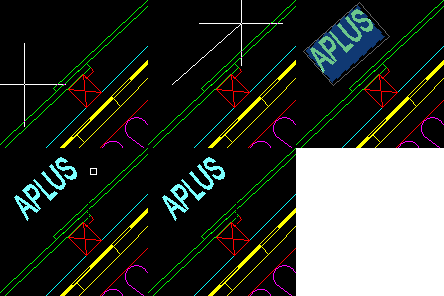
ALT command may be used to align selected TEXT or MTEXT object to specified line or polyline segment. After choosing aligment line (angle) you may also set new position. AutoCAD commandline entry: ALT
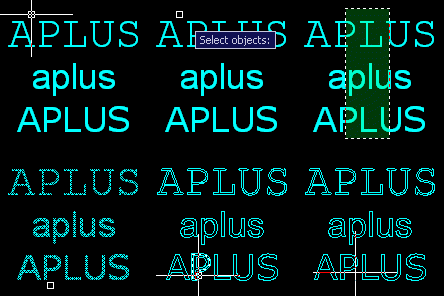
TX command allows you to explode any TEXT or MTEXT object. As a result APLUS will create new polyline objects in place of exploded TEXT or MTEXT object. AutoCAD commandline entry: TX
With MAN command you can move selected objects on a specified angle. After specifying angle you will be able to move objects with APLUS snap. AutoCAD commandline entry: MAN
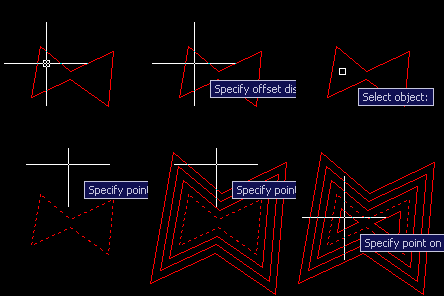
With APLUS you will be able to offset object multiple times at once. AutoCAD commandline entry: OM
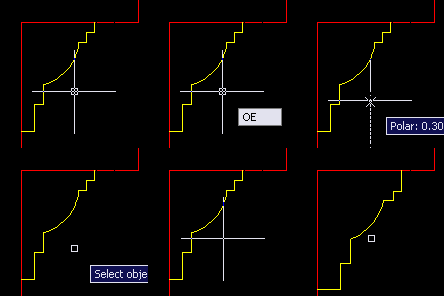
With OE command you may both OFFSET selected object and erase it. AutoCAD commandline entry: OE
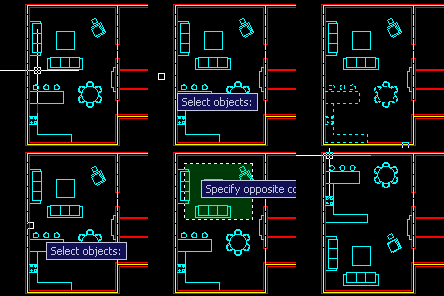
SWAPSEL command allows you to swap multiple objects at once. APLUS will ask you for base points of each selection and use them to swap objects. AutoCAD commandline entry: SWAPSEL
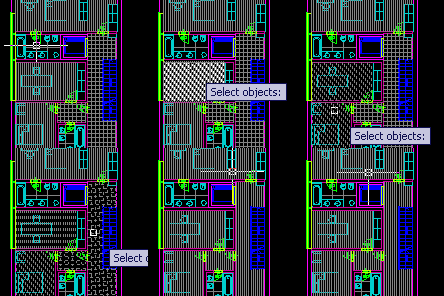
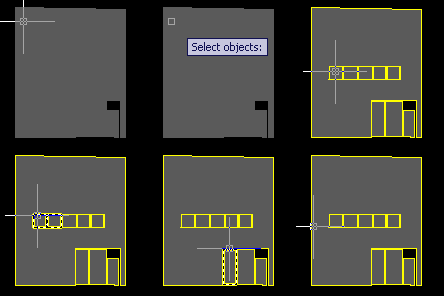
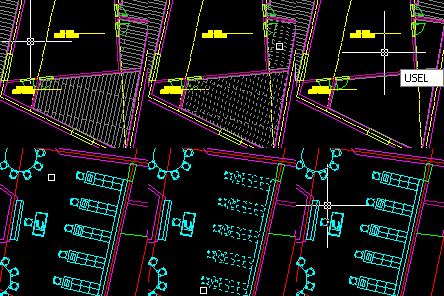
With HSEL and ISEL commands you can hide or isolate selected objects just like in Autodesk 3D Studio MAX. Use USEL command to restore hidden objects objects. AutoCAD commandline entry: HSEL ISEL USEL
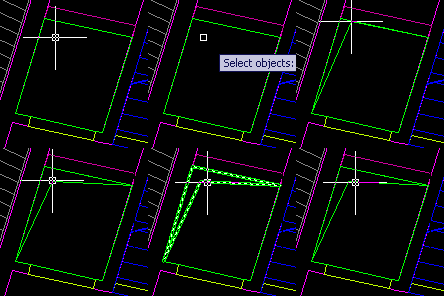
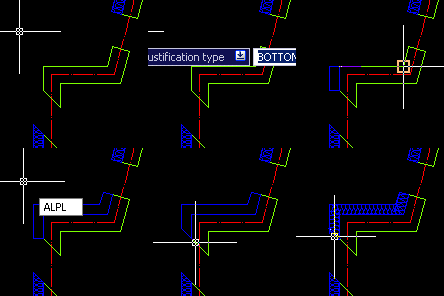
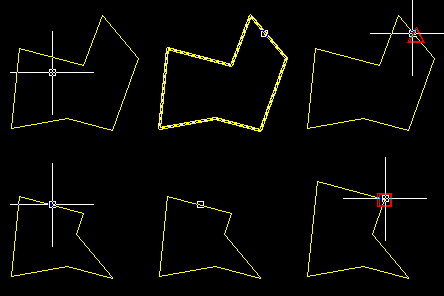
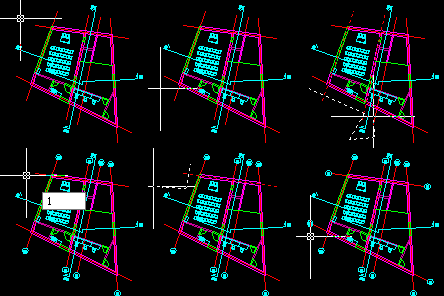
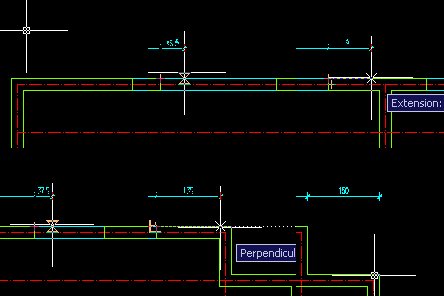
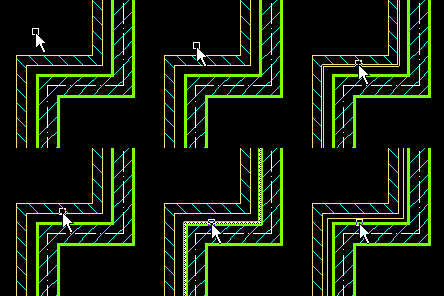
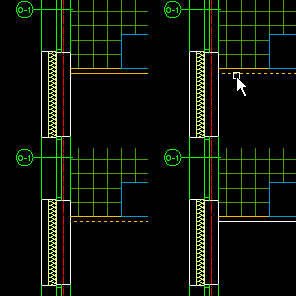
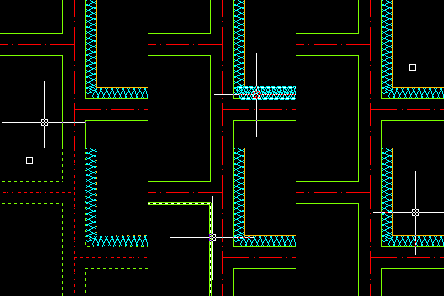
With PL2 you can draw double polyline. You may specify width and justification. ALPL is a tool to align polyline segment to extension of a line or a polyline. You can fill closed polyline with termal insulation hatch with HTERM. AutoCAD commandline entry: PL2 ALPL HTERM
With DILINE you can create dimension lines in seconds. Just draw a line and APLUS will automatically draw dimension lines. AutoCAD commandline entry: DILINE DIU DID
You can flatten selected dimension lines with DIFLAT command. Use it to get rid of problems while rotating drawings with dimension lines. AutoCAD commandline entry: DIFLAT
With APLUS you can replace multiple texts. Just specify phrase to be replaced and specify new content. APLUS will search for specified phrase in specified area and replace all instances. AutoCAD commandline entry: REPLACET
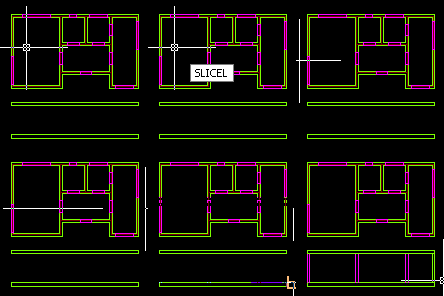
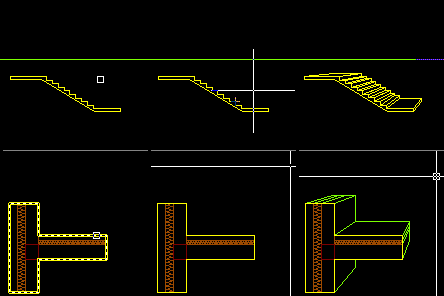
Just draw line through objects and APLUS will draw cross-section lines of specified height. AutoCAD commandline entry: SLICEL
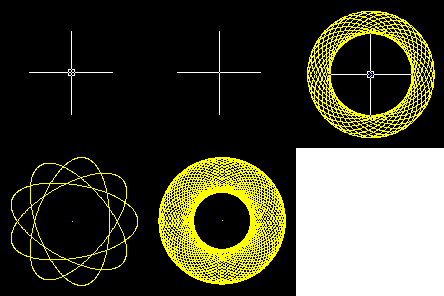
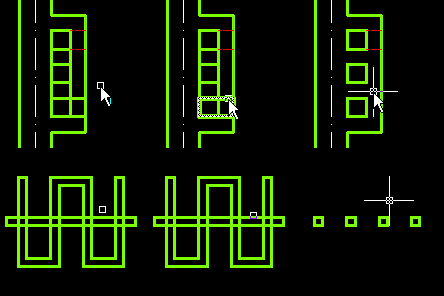
APLUS can draw spirals of specified dimensions. You can select whether to create spiral made of polyline or dots (points). AutoCAD commandline entry: SPIRO
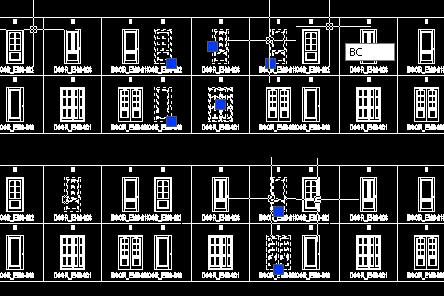
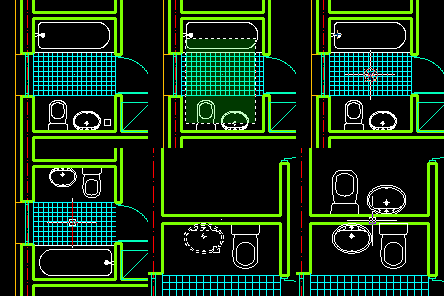
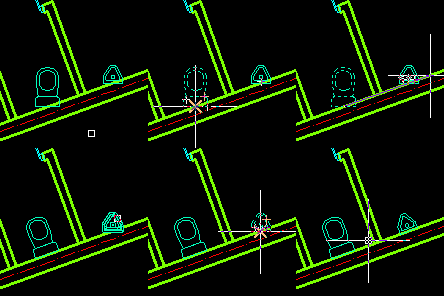
With APLUS door generator (DRG command) you can easily create and insert your own door types. You may use CAP command to erase unwanted doors or windows. AutoCAD commandline entry: DRG CAP
APLUS can easly draw section of a beam. You may specify layers and dimensions for all elements. AutoCAD commandline entry: BEAM
APLUS can draw slab with typed or specified on-screen dimensions. AutoCAD commandline entry: SLAB
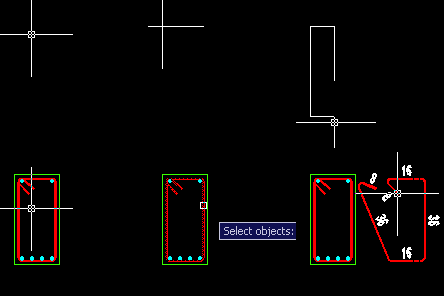
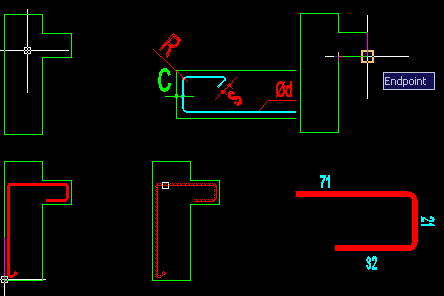
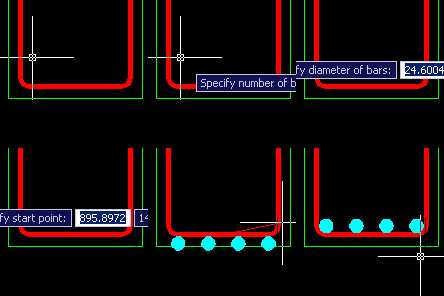
APLUS can draw bars with specified wrapper and width. AutoCAD commandline entry: BAR BARDI
You can quickly draw bars in section. AutoCAD commandline entry: BARS
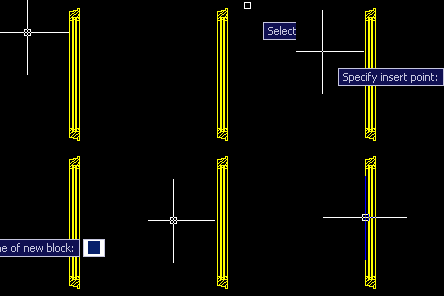
To create new blocks with APLUS you only have to select all elements, specify insert point and block's name. AutoCAD commandline entry: QB
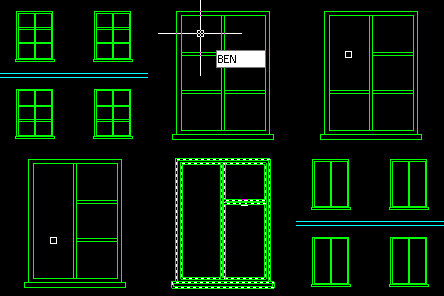
You can easily erase objects from block definition without using Block Editor. Just pick object you wish to delete from all blocks, APLUS will do the rest. AutoCAD commandline entry: BEN
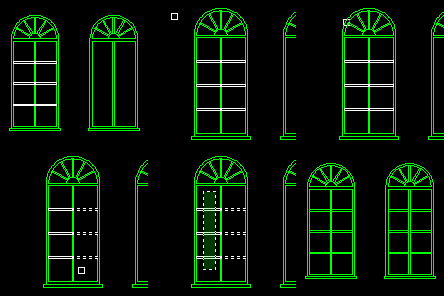
To add object to block definition: just select block and specify which objects you want to add. AutoCAD commandline entry: BADD
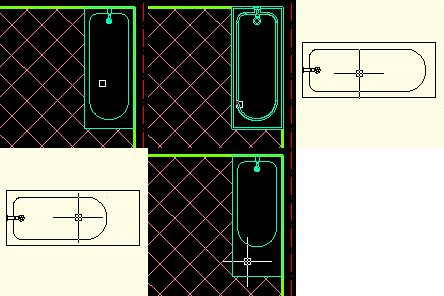
With APLUS you can easily center block definition. You may also set insert point to all corners, center horizontally or vertically. AutoCAD commandline entry: BCEN
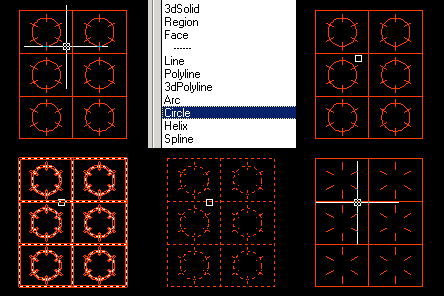
APLUS can erase objects of any selected type from block definition. You may choose from standard objects (such as lines, circles etc.) or extended (e.g. xref). AutoCAD commandline entry: BETYPE
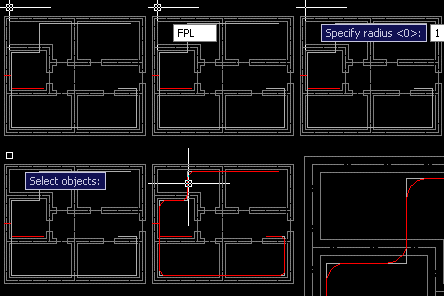
APLUS allows you to fillet any polyline. You can specify fillet radius. Original polyline will be preserved. AutoCAD commandline entry: FPL
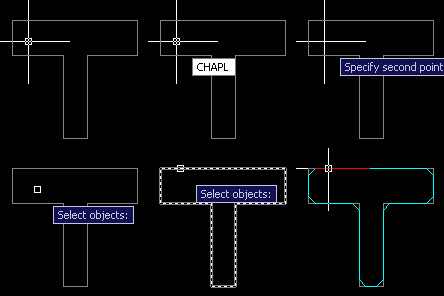
APLUS allows you to chamfer any polyline. You can specify chamfer radius. Original polyline will be preserved. AutoCAD commandline entry: CHAPL
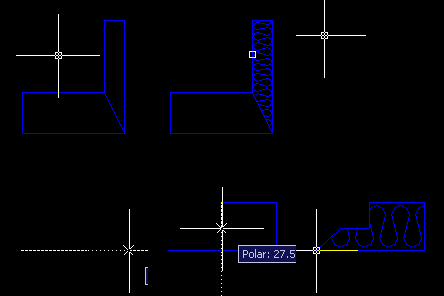
APLUS allows you to move segment of a polyline without changing any of its angles. AutoCAD commandline entry: MPL
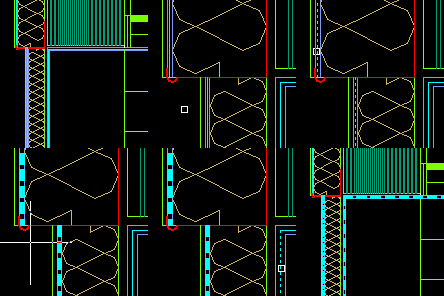
With APLUS you can easily create thermal insulation hatch. Only thing you have to do is to draw its border. AutoCAD commandline entry: HTERM
You can swap any objects. APLUS will use base points of those objects to determine where to put them after swapping action. AutoCAD commandline entry: SWAP
With APLUS you can scale objects in one direction only. Select objects, specify scale factor and base point, APLUS will do the rest. AutoCAD commandline entry: SCX SCY SCZ
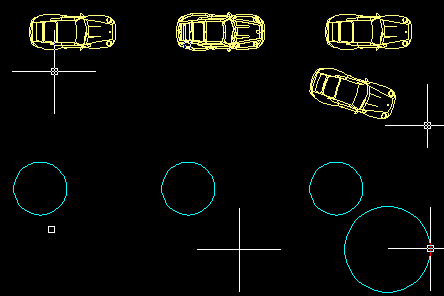
Quick Draw function allows you to create objects of a picked type. If you choose block it will create its copy. Additionally, APLUS creates object without changing current layer. AutoCAD commandline entry: QD
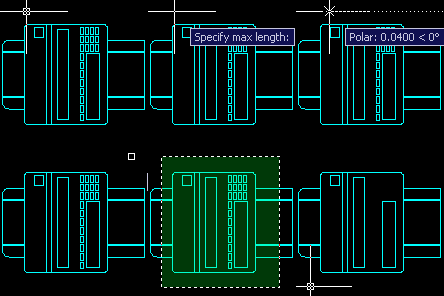
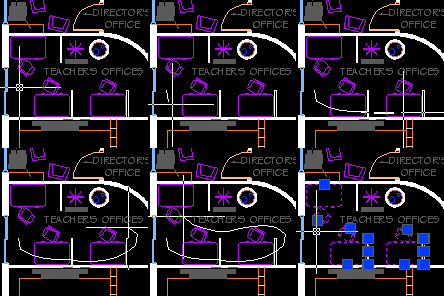
Pen Tool allows you to draw freehand shapes with a mouse. Specify length of segments and move cursor around the screen to draw polyline. If you move cursor close enough to base point, APLUS will close the polyline. AutoCAD commandline entry: PEN
To draw aligned square with APLUS you only have to draw one of its sides. AutoCAD commandline entry: SQA
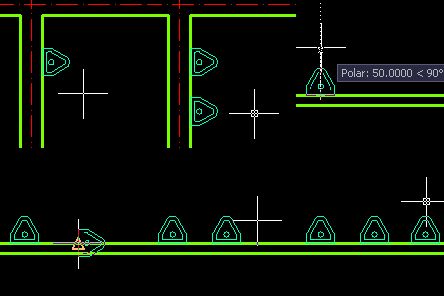
To draw tapper hole sign simply draw one of its sides and specify height. AutoCAD commandline entry: TAP
You can draw multiple connections between two selected lines. AutoCAD commandline entry: MCON
Fence selection works just like APLUS Pen Tool, but its used to create selections. AutoCAD commandline entry: SELF
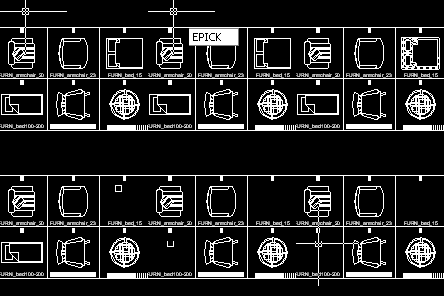
APLUS can change AutoCAD picker into eraser. Just pick objects to erase them. AutoCAD commandline entry: EPICK
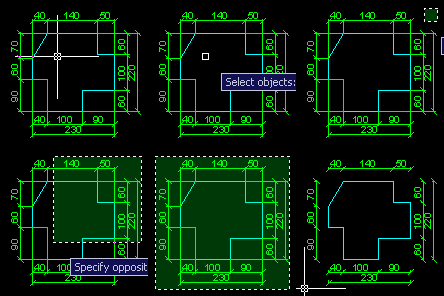
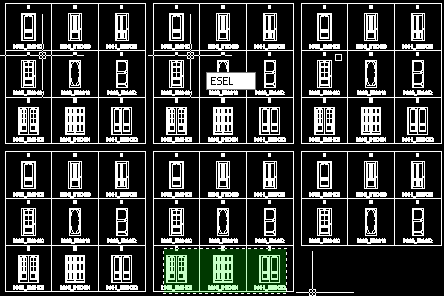
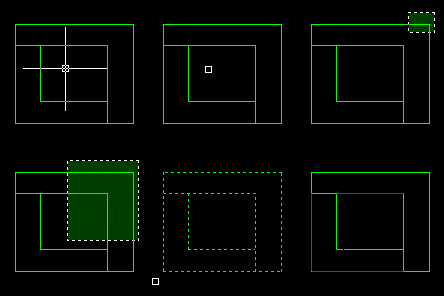
APLUS can change selection in AutoCAD into selection eraser. Just specify area and all objects will be erased from it. AutoCAD commandline entry: ESEL
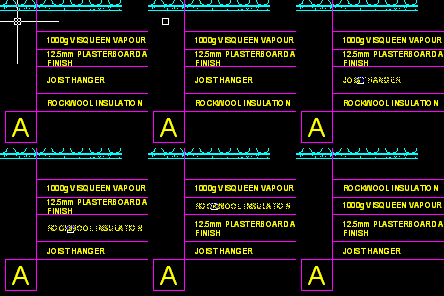
APLUS can copy text without changing attributes of a destination text. AutoCAD commandline entry: TXTMA
APLUS can swap text contents without changing attributes. AutoCAD commandline entry: TXTS
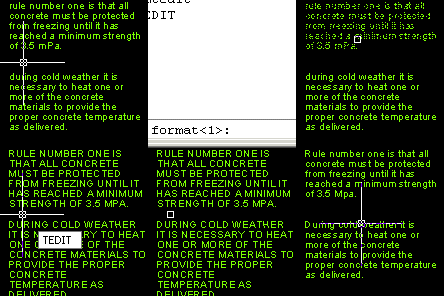
APLUS can easily change capitalization of selected text fields. AutoCAD commandline entry: TEDIT
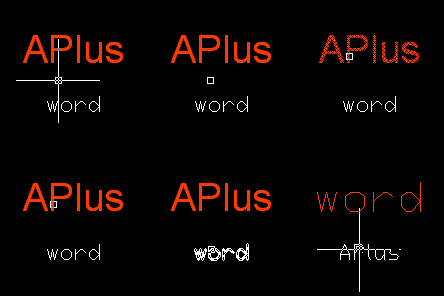
APLUS can set one style for all selected text fields. AutoCAD commandline entry: ONESTYLE
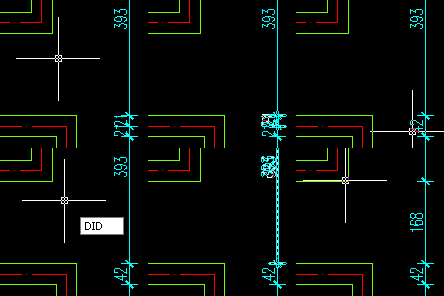
APLUS can divide or union any dimensions. AutoCAD commandline entry: DID DIU
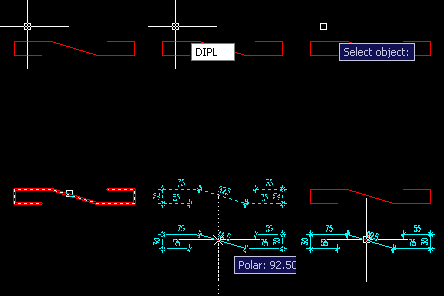
APLUS can quickly measure selected polyline. AutoCAD commandline entry: DIPL
APLUS can show with selected color which objects overlaps in the current viewport. AutoCAD commandline entry: OVERLAP
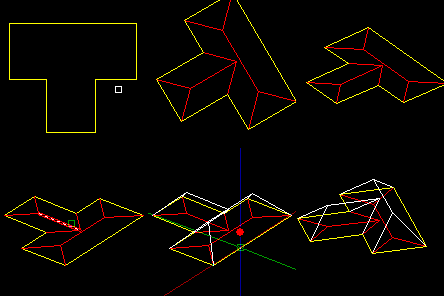
Create 2D or 3D roof from selected polyline AutoCAD commandline entry: PLROOF
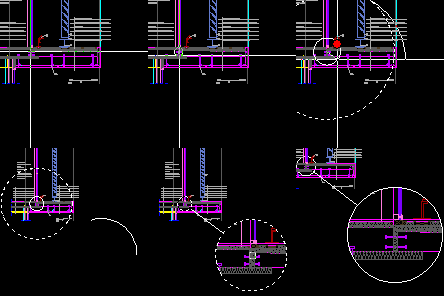
Create detail bulb of specified area. AutoCAD commandline entry: DETAIL
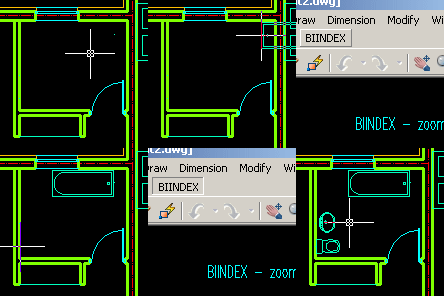
Thanks to integrated block manager you can quickly add blocks into your drawing. After installing APLUS BIINDEX menu will apear in AutoCAD toolbar. AutoCAD commandline entry: BIINDEX
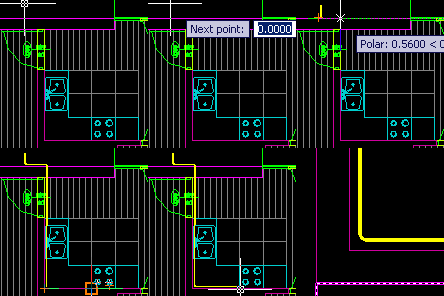
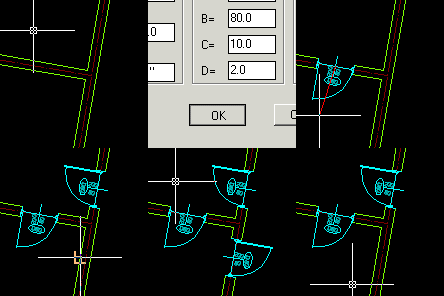
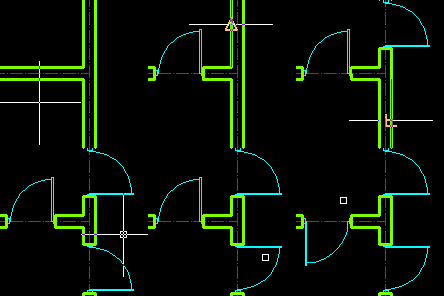
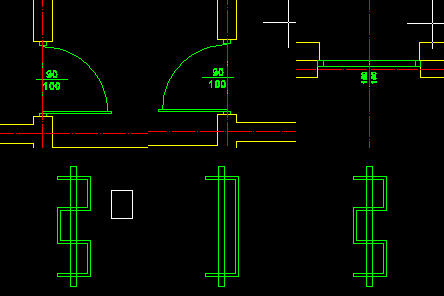
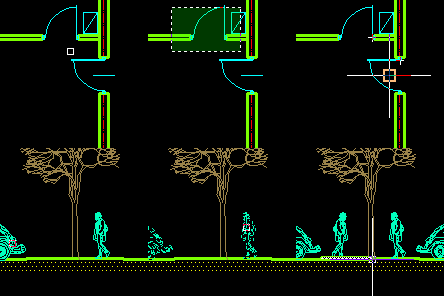
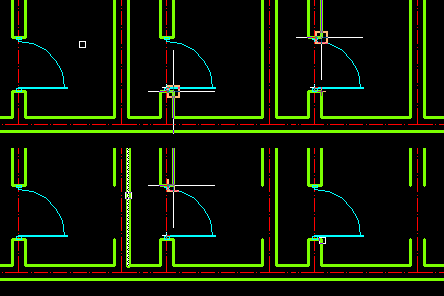
With APLUS placing doors will be faster than ever before, you will only have to select place and direction of insertion. You will be able to flip them quickly. AutoCAD commandline entry: D1 DFL
Specify layers for doors and walls. APLUS will use these settings when placing doors AutoCAD commandline entry: DRP D1
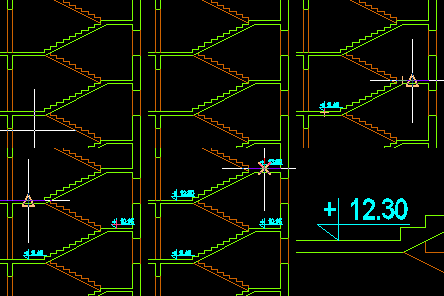
You can place level indicators anywhere and APLUS will automaticly type measured height. Later on you will be able to update all level indicators on drawing if needed after changing base level. AutoCAD commandline entry: COTA
APLUS will draw simulated shadow of specified object on specified direction with specified lenght. AutoCAD commandline entry: PLSHADOW
APLUS can simulate one-point perspective of selected object from specified vanishing point. AutoCAD commandline entry: PLPERS
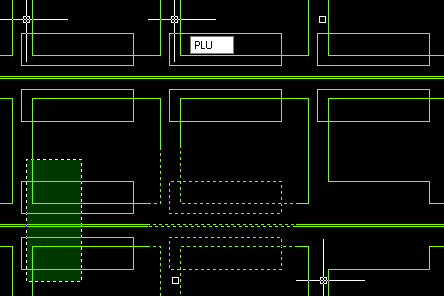
Create object that will contain area of both original objects. AutoCAD commandline entry: PLU
Create object that will contain only the area that was common to both original objects. AutoCAD commandline entry: PLI
New object will contain area of original object with intersection area subtracted from it. AutoCAD commandline entry: PLS
Use APLUS to trim overlaping areas.
AutoCAD commandline entry: PLT
Use APLUS to enclose polyline objects. Missing part will be created if needed. AutoCAD commandline entry: PLC
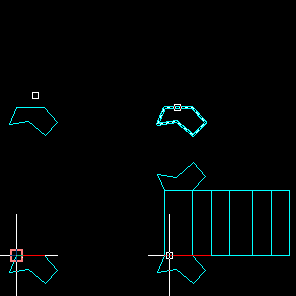
Create polyhedron net from selected polyline (base). AutoCAD commandline entry: PLUNWARP
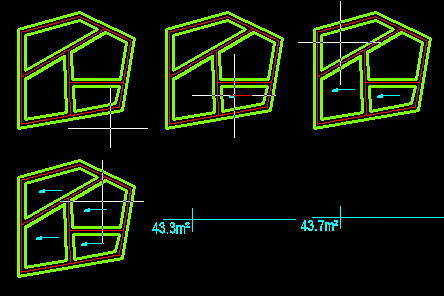
APLUS will automaticly detect room border and count its area for you. AutoCAD commandline entry: RM
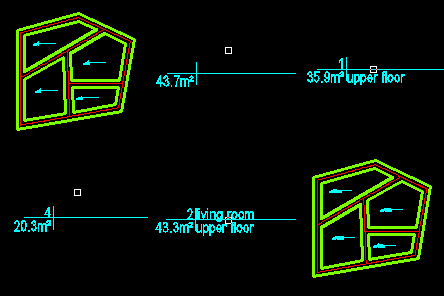
Put basic description of rooms (name, number, area, floor material) inside them. AutoCAD commandline entry: RMF RMN RMR
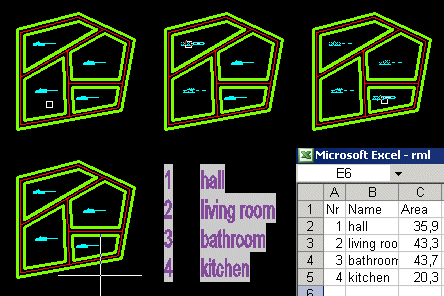
After describing all areas you can use APLUS to create table within AutoCAD with list of rooms. You can also export it to Microsoft Excel. AutoCAD commandline entry: RML
APLUS enchances AutoCADs fillet command. Now you can do it with multiple lines or do Fillet and Match Properties using one command. AutoCAD commandline entry: MF FMA
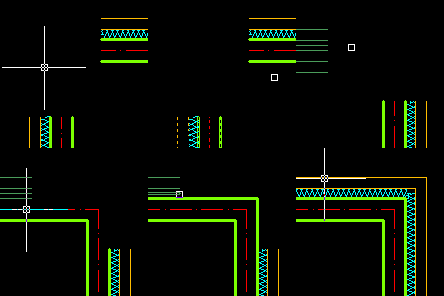
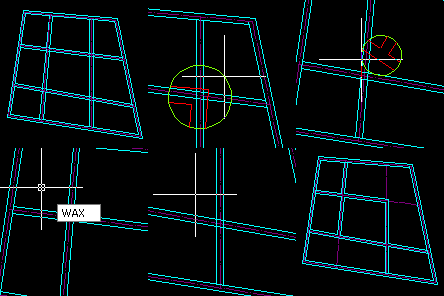
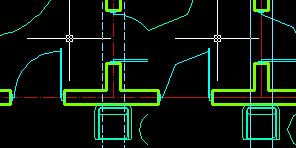
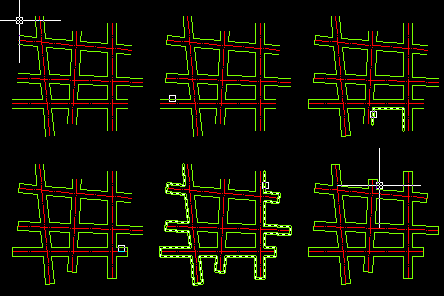
You can create cross/tee/corner connections of APLUS walls in seconds. AutoCAD commandline entry: WAC WAT WAX
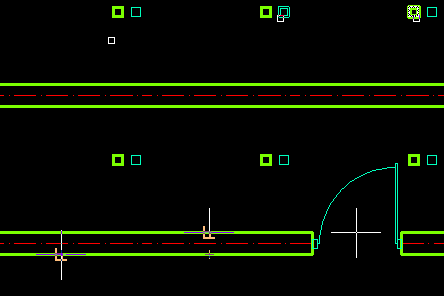
You can cap holes in walls just by selecting areas where APLUS will detect holes and eventually cap them. AutoCAD commandline entry: CAP
APLUS can generate walls with specified thickness from intersecting lines. AutoCAD commandline entry: WALLS
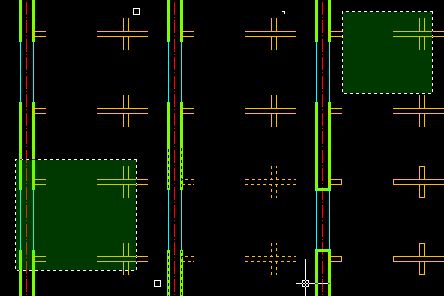
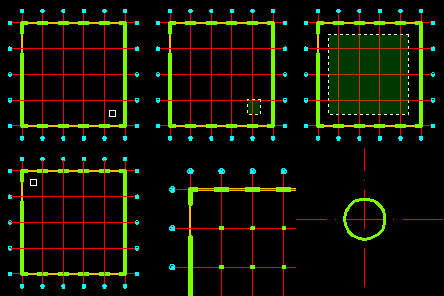
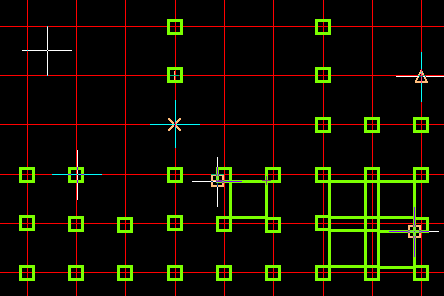
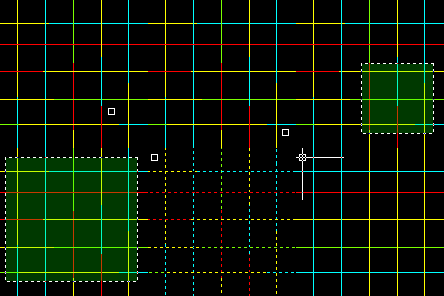
APLUS can draw pilars in intersection of axes. You can decide wether to draw square or circle pilars. AutoCAD commandline entry: PILARS
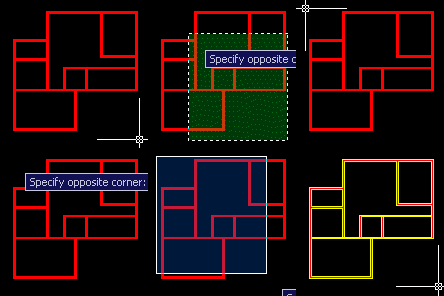
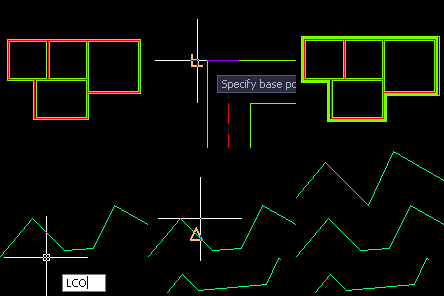
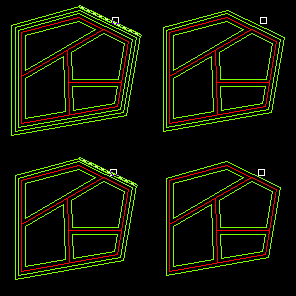
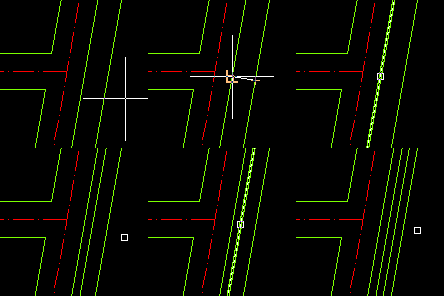
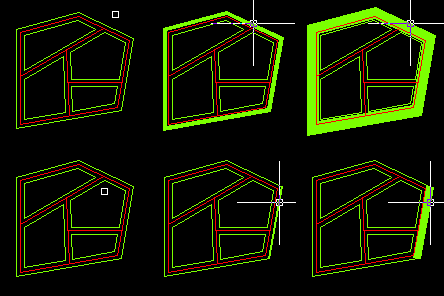
APLUS can do offset of multiple lines by detecting connections between them. It can be useful when drawing exterior walls. AutoCAD commandline entry: LCO
APLUS can erase multiple lines by detecting connections between them. It can be useful when drawing exterior walls. AutoCAD commandline entry: LCE
Offset by a friction of a specified distance. You can decide how many divisions should be made in the distance. AutoCAD commandline entry: OF
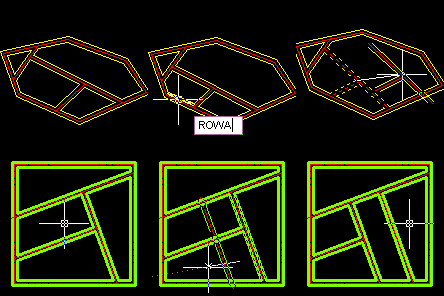
Use APLUS to perform basic transformations to existing walls objects (such as moving, rotating), APLUS rooms will be automaticly updated. AutoCAD commandline entry: ROWA COWA MWA
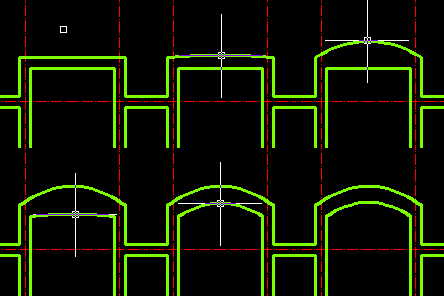
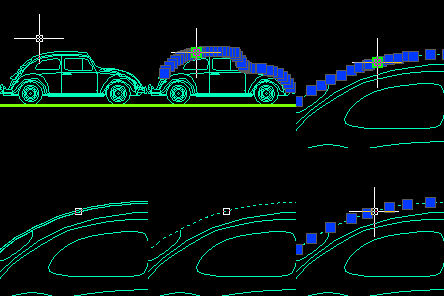
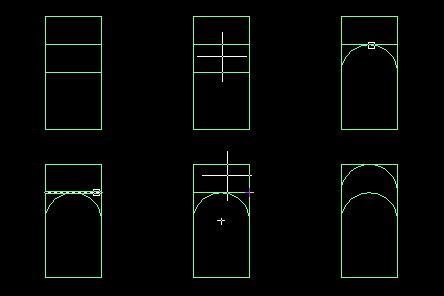
Select segment of polyline to convert it into arc. AutoCAD commandline entry: PLARC
Select segment of polyline to convert it into arc. AutoCAD commandline entry: PLW PLWS
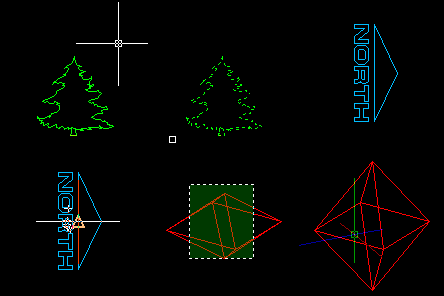
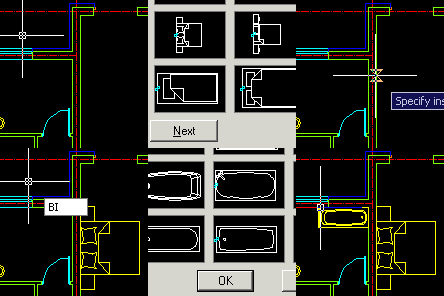
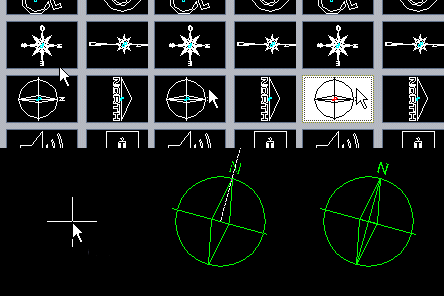
There are numerous blocks that you have to import into drawing with specified order, such as north indicators or furniture, with APLUS you will be asked for insertion angle just after placing them. AutoCAD commandline entry: BI
Import last imported block again. AutoCAD commandline entry: BIL
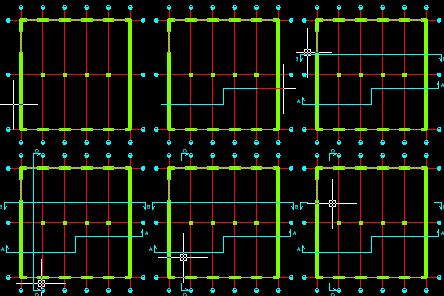
Descript axises with numerical bulbs simply by clicking on them. AutoCAD commandline entry: AX1 AXA
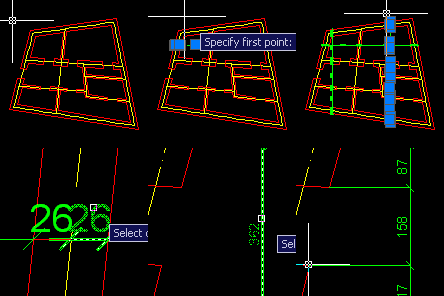
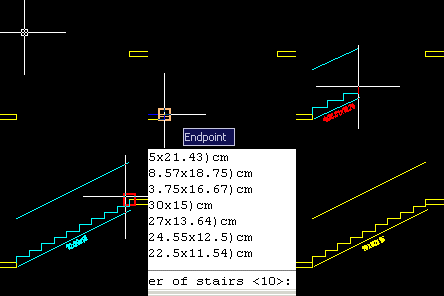
Select two points on your drawing and APLUS will automaticly draw proper stair. AutoCAD commandline entry: ESC
Quickly draw section lines with specified letters describing them AutoCAD commandline entry: SECL
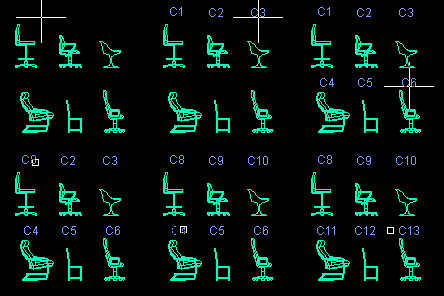
Place ascending numbers on your drawing to descipt elements. You can specify prefix or suffix. When needed you can quickly update numbers. AutoCAD commandline entry: NR NRU NRP
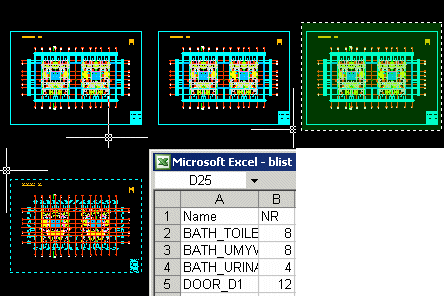
Select block and specify where do you want to place counted value. APLUS will link it with real number of blocks, so whenever number of blocks will change, you can update it. AutoCAD commandline entry: BCOUNT BCU
APLUS can increase speed of dimnsioning. AutoCAD commandline entry: DLIC
Use APLUS to quickly move dimension text. AutoCAD commandline entry: MDI
You can copy selected obcjets with line or poliline as path for this operation. AutoCAD commandline entry: COL COPL
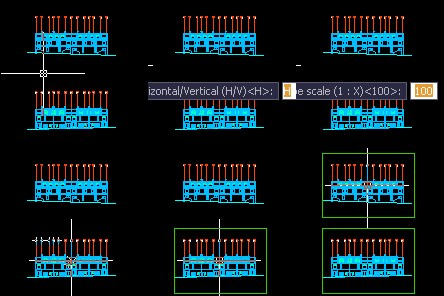
Draw rectangle of selected paper size (A, B or C series) in model space. APLUS will ask for orientation (horizontal or vertical) and scale (1 : X). AutoCAD commandline entry: A0 A1 A2 A3 A4 A5 A6
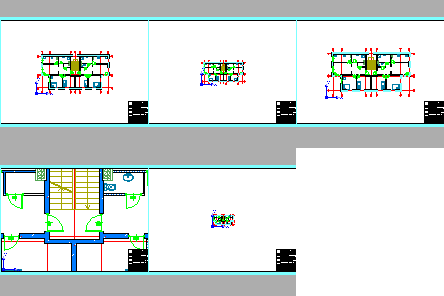
Use APLUS to zoom viewports in layouts to specified scales (such as 1:50, 1:100 etc.). AutoCAD commandline entry: Z1 Z2 Z5 Z10 Z20 Z25 Z50 Z100 Z200 Z250 Z500 Z1000 Z2000 Z2500 Z5000
Cycle through layers. AutoCAD commandline entry: LLW LLWS
You can quickly match layers of objects layers by selecting them.
AutoCAD commandline entry: LLM
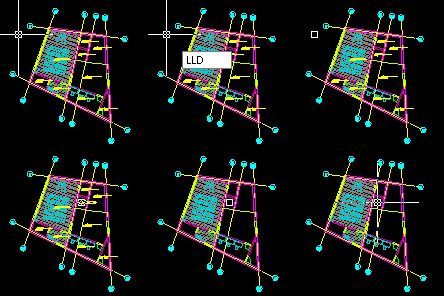
Delete layers just by selecting one object from them. AutoCAD commandline entry: LLD
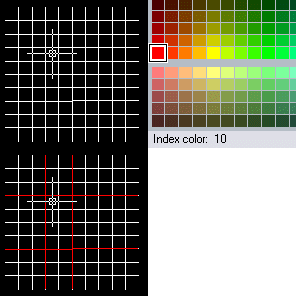
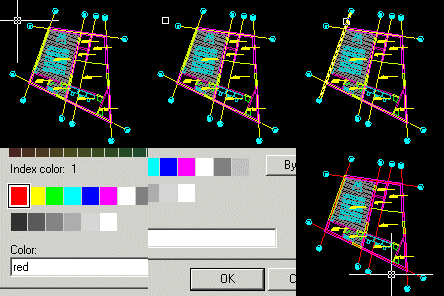
To change color of layer select one object from it and you will see color change window. AutoCAD commandline entry: LLC
Now you can specify order of whole layers (instead of specifing order of single objects). AutoCAD commandline entry: TOFL TOBL
With APLUS you can quickly fix lenght of axises. APLUS will trim axises and then extend them to specified lenght. AutoCAD commandline entry: FIXAX
Use predefined, common architectural hatches to fill selected areas, without using AutoCAD 'Hatch and Gradients'. AutoCAD commandline entry: PATTERN
Use APLUS to insert common architectural symbols to your drawings. AutoCAD commandline entry: BI
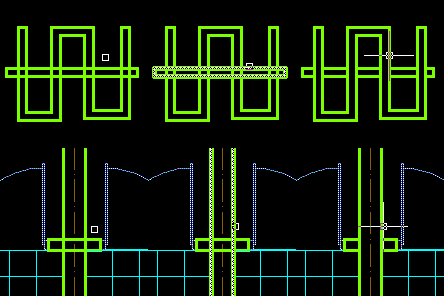
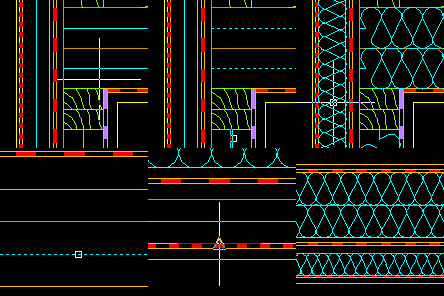
Use APLUS to transform selected line into one of common linetypes (such as batting with specified thickness). AutoCAD commandline entry: TERM TERMPL
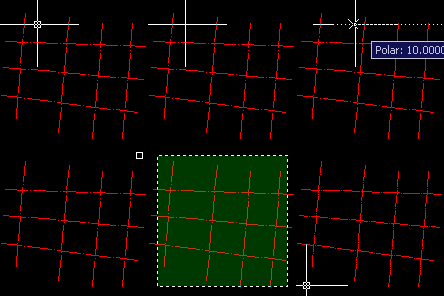
Change any line into axis linetype. You can set scale by drawing distance between dots. AutoCAD commandline entry: AX
APLUS can draw axis between two existing lines. AutoCAD commandline entry: AXL AXPL
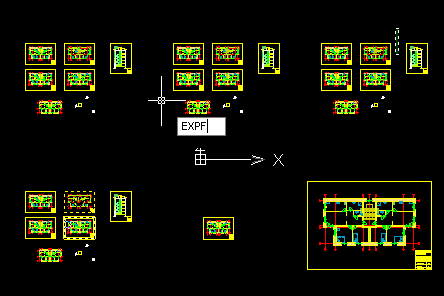
Use APLUS to export selected objects to a new file. AutoCAD commandline entry: EXPF
Delete objects only on selected layer. AutoCAD commandline entry: EBLL
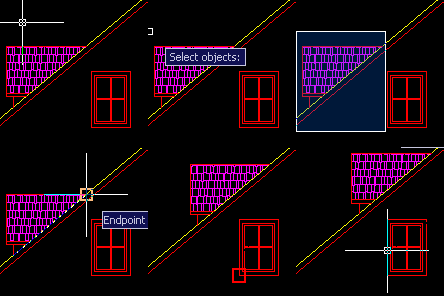
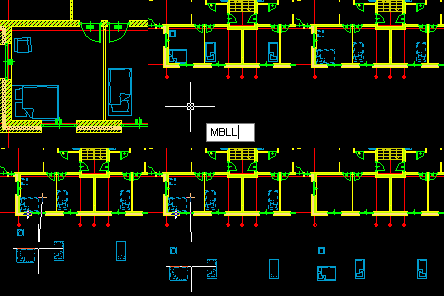
Move objects only on selected layer. AutoCAD commandline entry: MBLL
Select objects by angle at which they are placed. AutoCAD commandline entry: SELAN
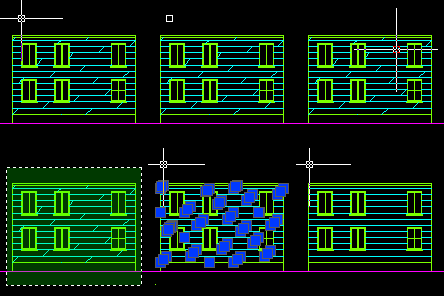
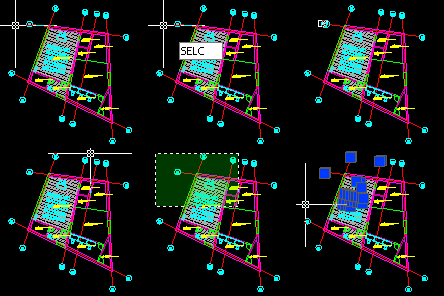
Select objects by their color. AutoCAD commandline entry: SELC
You can turn on or off layers simply by clicking on them. You can also do this with layers which names contain specified suffixes, prefixes or phrases. There are also such useful commands that turn on all layers or turn off all layers except selected one. AutoCAD commandline entry: LLO LLON LLN
You can lock or unlock layers by clicking on them or by typing their sufixes, prefixes or phrases used in names. AutoCAD commandline entry: LLL LLLA LLU LLUA
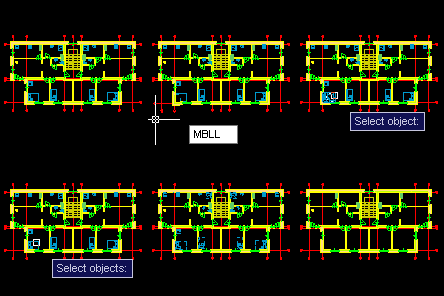
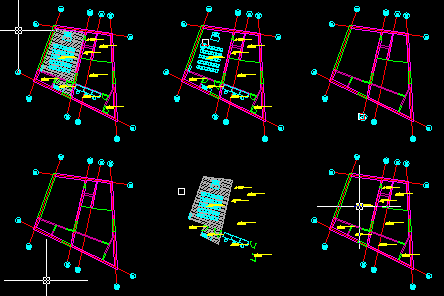
You can move selected objects to specified layer by clicking on them. AutoCAD commandline entry: MLL MLL0 COLL
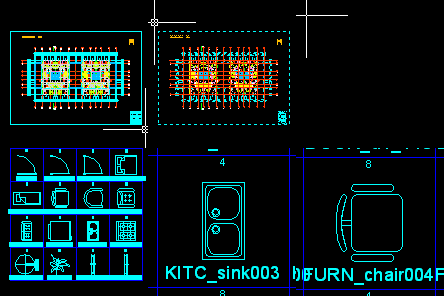
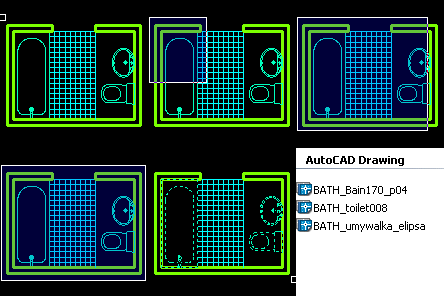
With APLUS you can quickly index all your blocks. Click on the screen after typing BINDEX command to display listing of your blocks. AutoCAD commandline entry: BINDEX
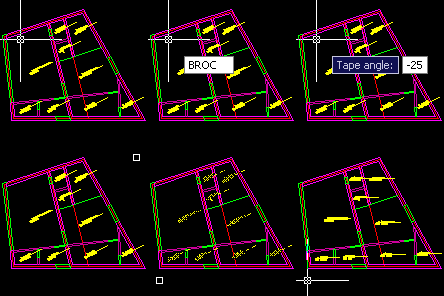
Rotate selected block by constant angle AutoCAD commandline entry: BROC
Select block and it will be transfered to AutoCAD block editor. AutoCAD commandline entry: BEE
Batch block exporting - APLUS will export all blocks from selected area AutoCAD commandline entry: BEXS
Create list of blocks used in your drawing. AutoCAD commandline entry: BLIST
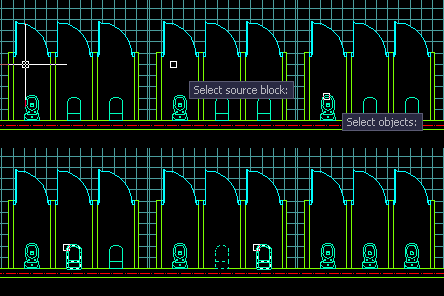
Pick source block and then select all blocks you wish to change. AutoCAD commandline entry: BRE
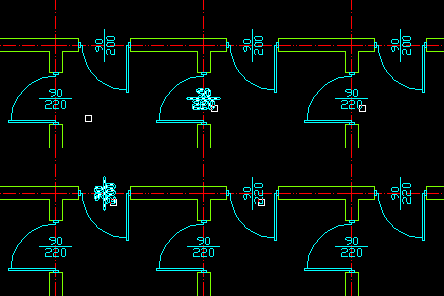
APLUS can match attributes of selected blocks. Pick source attribute and then select blocks you wish to change. AutoCAD commandline entry: ATTMA
Use APLUS to join multiple polylines. AutoCAD commandline entry: JJ
Purge selected polyline from verticles placed too close. AutoCAD commandline entry: PLP
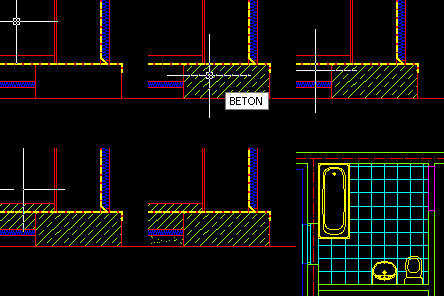
Use predefined, common architectural hatches to fill selected areas, without using AutoCAD 'Hatch and Gradients'. AutoCAD commandline entry: BETON BETONZ SAND TERA
Create isolation lines with specified width. AutoCAD commandline entry: ISOL
Use APLUS commands to shorten time needed for changing view. AutoCAD commandline entry: VVT VVF VVL VVR VVB VVD VVA VVAA
Align view (UCS) to selected object. AutoCAD commandline entry: VVO
With APLUS you can move selected objects in just one direction (X/Y/Z). AutoCAD commandline entry: MX MY MZ
With APLUS you can copy selected objects in just one direction (X/Y/Z). AutoCAD commandline entry: COX COY COZ
Use APLUS to mirror selected objects horizontaly or verticaly. AutoCAD commandline entry: MIH MIHC MIV MIVC
Flip selected objects. You can create copy of base obect with another command
AutoCAD commandline entry: FL FLC
Fast drawing of aligned rectangles. AutoCAD commandline entry: RECAL
Specify angle to draw aligned text. AutoCAD commandline entry: TAL
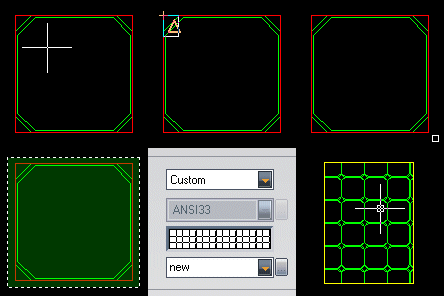
Use APLUS to draw square. You can specify dimensions and insertion point
AutoCAD commandline entry: SQ
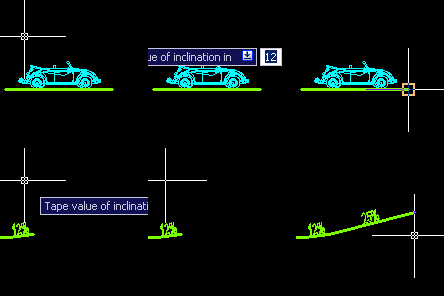
Select angle and APLUS will draw inclination line for you. AutoCAD commandline entry: INCL
Draw horizontal or vertical guidelines from specified points
AutoCAD commandline entry: GUIDEH GUIDEV
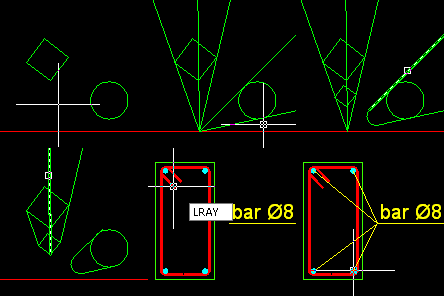
APLUS can draw rays from specified point. You can create simple perspective drawings with this function. AutoCAD commandline entry: LRAY MLRAY
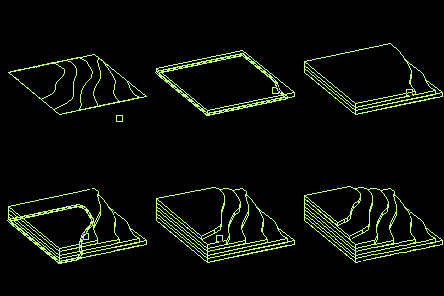
Draw 3d terrain model from contour lines (closed polylines) AutoCAD commandline entry: TERRAIN
Rotate selected objects by referenced angle. AutoCAD commandline entry: ROR
Rotate selected objects by referenced angle and create copy as a result. AutoCAD commandline entry: RORC
Use APLUS commands to regen or unregen view (useful on slower machines). AutoCAD commandline entry: RE UNRE
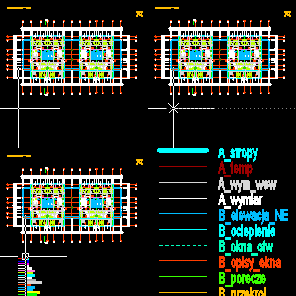
Specify place on the screen to get list of all layers used in current drawing.
AutoCAD commandline entry: LEGEND
APLUS have breaking command which is done the way it should be. AutoCAD commandline entry: BR BRR
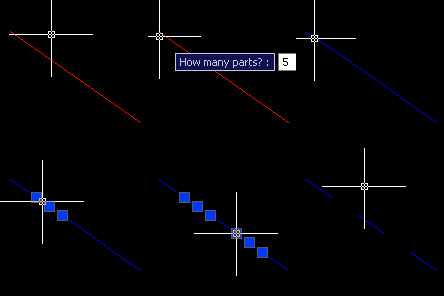
Use APLUS to divide lines into specified number of parts. AutoCAD commandline entry: DIVL
Use APLUS to weld selected lines. AutoCAD commandline entry: JS JM
Use APLUS to quickly connect two separate polylines on both or just nearest end AutoCAD commandline entry: CONN
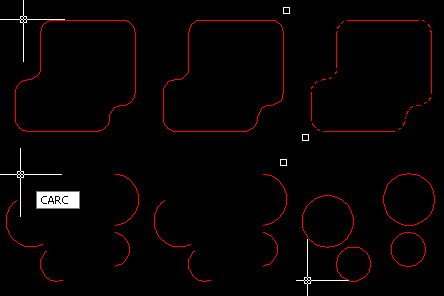
You can transform selected arcs into circles. AutoCAD commandline entry: CARC
Use APLUS to transform lines into arcs or arcs into lines. AutoCAD commandline entry: ARCL LARC
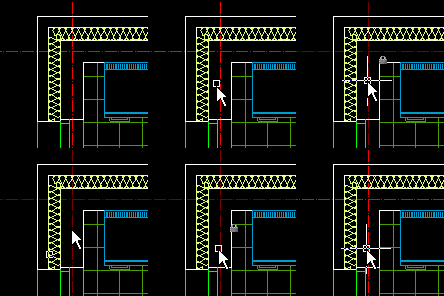
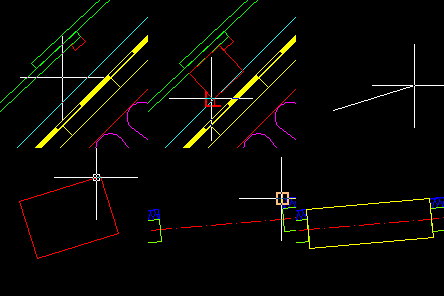
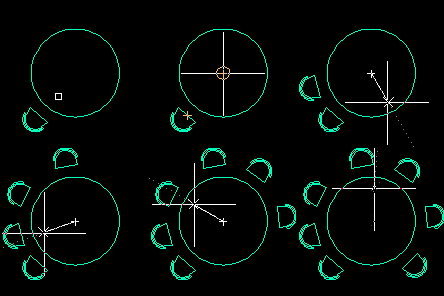
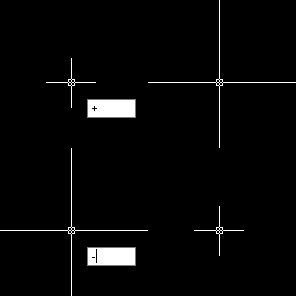
You can change size of crossharir with one command. AutoCAD commandline entry: + -
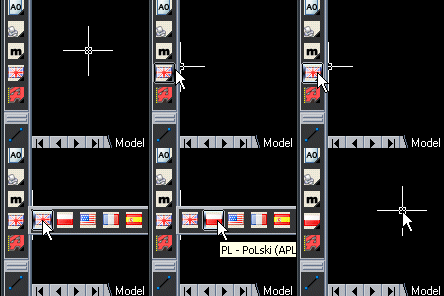
You can change language in APLUS at any time. Command prompts will be displayed in selected language instantly (you will not have to restart AutoCAD in order to changes to take effect). AutoCAD commandline entry: APLUSEN APLUSPL
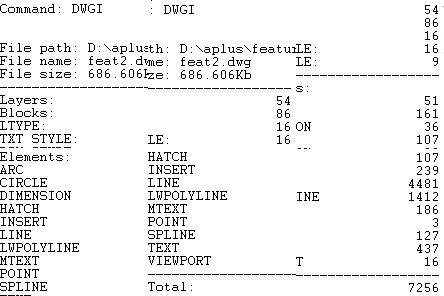
Informations about your drawing (current linetype, layer, dimstyle, number of elements etc.)
AutoCAD commandline entry: DWGI
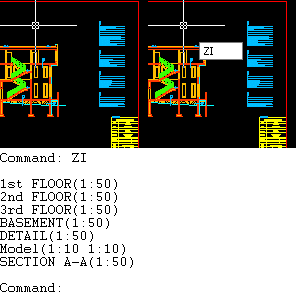
Show information about zoom level in all layouts in all viewports. AutoCAD commandline entry: ZI
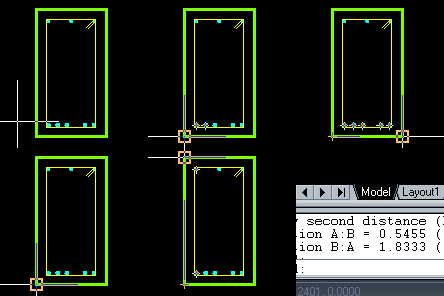
Select two distances and APLUS will count proportions between them
AutoCAD commandline entry: PROP
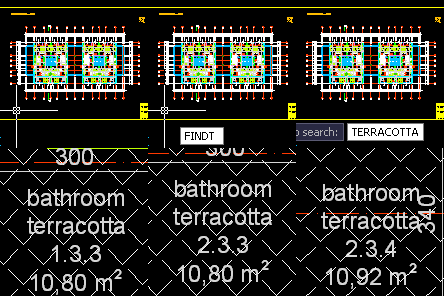
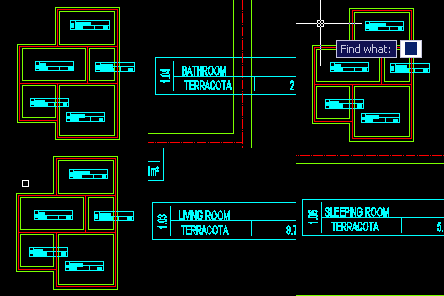
Search for text in your drawing
AutoCAD commandline entry: FINDT
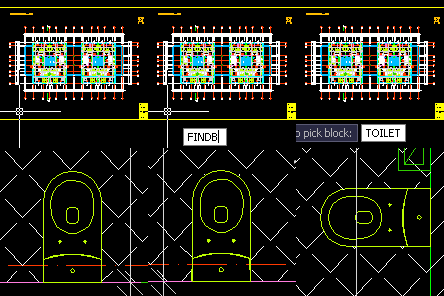
Search for block in your drawing AutoCAD commandline entry: FINDB
Use APLUS to chop crossing lines
AutoCAD commandline entry: CHOP CHOPA
Search drawing for lines that are appera but are not straight. APLUS will highlight them with selected color
AutoCAD commandline entry: SLANTED



 ALPL
ALPL 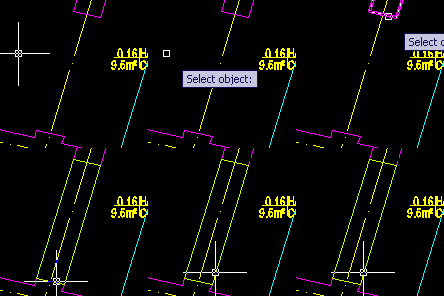






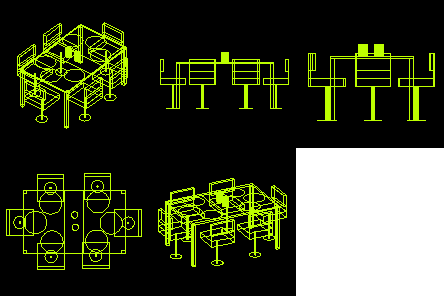
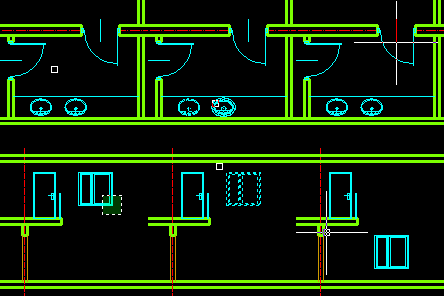
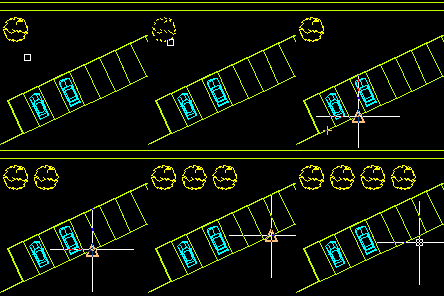
 + ,
+ ,  -
-